

Description
Movie Engine helps you build a movie, TV series, and video-on-demand website with WordPress. Manage movies, series, seasons, episodes, and people; import metadata from TMDb; configure video sources; and display your catalog using blocks or shortcodes.
Use Movie Engine for a movie database, a streaming-style catalog, an IPTV directory, an ad-supported video website, or a membership platform. Some advanced monetization and automation features require Movie Engine Pro.
Explore Movie Engine
* Live Demo
* Documentation & Complete Feature Guide
* Movie Engine Pro & Pricing
* Official Movie Engine Website
Public Demo Access
Explore the live demo website using the shared public demo account:
- Username:
moviedemo - Password:
moviedemo
(Note: This is a shared demo account. Please do not enter sensitive or personal data.)
Key Features
Movie and TV Library
- Custom content types for Movies, TV Series, Seasons, and Episodes.
- Taxonomies for genres, years, countries, languages, networks, and tags.
- Cast and crew/person profiles.
- Movie, series, season, and episode management with smart cascade deletion.
TMDb Metadata Import
- Import movie and TV series details from The Movie Database (TMDb).
- Retrieve available metadata such as posters, backdrops, cast, ratings, genres, and trailers.
- Duplicate detection prevents importing existing titles.
- Choose remote TMDb image URLs or download images to the WordPress Media Library.
Video Player and Streaming Sources
- Native HLS (.m3u8) adaptive streaming and direct MP4 video playback.
- Multiple video server/source links with instant switcher.
- WebVTT (.vtt) subtitle track support.
- Playback resume and quality selector where supported by the selected source/player.
- External player embed URL templates for third-party streaming integrations.
- Advanced MPEG-DASH playback, Shaka Player, and ArtPlayer in Movie Engine Pro.
User Engagement
- Watchlist, Continue Watching (with progress tracking), and Recently Watched features.
- User dashboard and interactive rating/review system.
- Content request form and request management tools.
Telegram Publishing
- Connect a Telegram bot and channel for each website.
- Publish new movies and TV series with title information, poster, and a viewing button.
- Send a summary after bulk imports.
- Configure optional weekly/monthly top-viewed and top-rated lists.
Ads and Affiliate Links
- Display ad placements across 10+ strategic page slots.
- Affiliate streaming buttons (Netflix, Prime Video, Disney+, etc.) and external viewing links.
- Fake Player ad smartlinks, VAST video ads, and Anti-AdBlock in Movie Engine Pro.
SEO and Social Metadata
- JSON-LD structured data for supported movie, TV, episode, and person pages.
- SEO title and description templates with dynamic tags.
- Open Graph and Twitter Cards controls.
- Compatibility with Rank Math, Yoast SEO, and All in One SEO to avoid duplicate metadata output.
Free and Pro Features
Movie Engine’s free plugin provides the core catalog, import, player, user engagement, content request, Telegram, layout, and SEO features. Movie Engine Pro adds advanced monetization, ISP network paywalls, and automation tools.
Included in Movie Engine (Free)
- Movie, TV series, season, episode, and person management.
- Single-title TMDb movie and TV series 1-click import.
- Native video player with MP4 and HLS (.m3u8) playback support.
- Multi-server video switcher and VTT subtitles.
- Watchlist, Continue Watching, Recently Watched, and user dashboard.
- Content Requests form, admin management, and email notifications.
- Telegram publishing and bulk-import summaries.
- Display banner ads and affiliate streaming links.
- Gutenberg blocks, shortcodes, SEO templates, and JSON-LD structured data.
Additional Features in Movie Engine Pro
- Advanced OTT player engines (MPEG-DASH, Shaka Player, ArtPlayer).
- Dynamic video player watermarking (anti-screen recording).
- Subscription-based video access (SVOD) with unlimited plans.
- Pay-per-view and timed rental access (TVOD).
- Native Stripe and PayPal payment integrations.
- Broadband & ISP network restrictions and guest voucher-based paywall.
- High-converting Fake Player ad smartlink system.
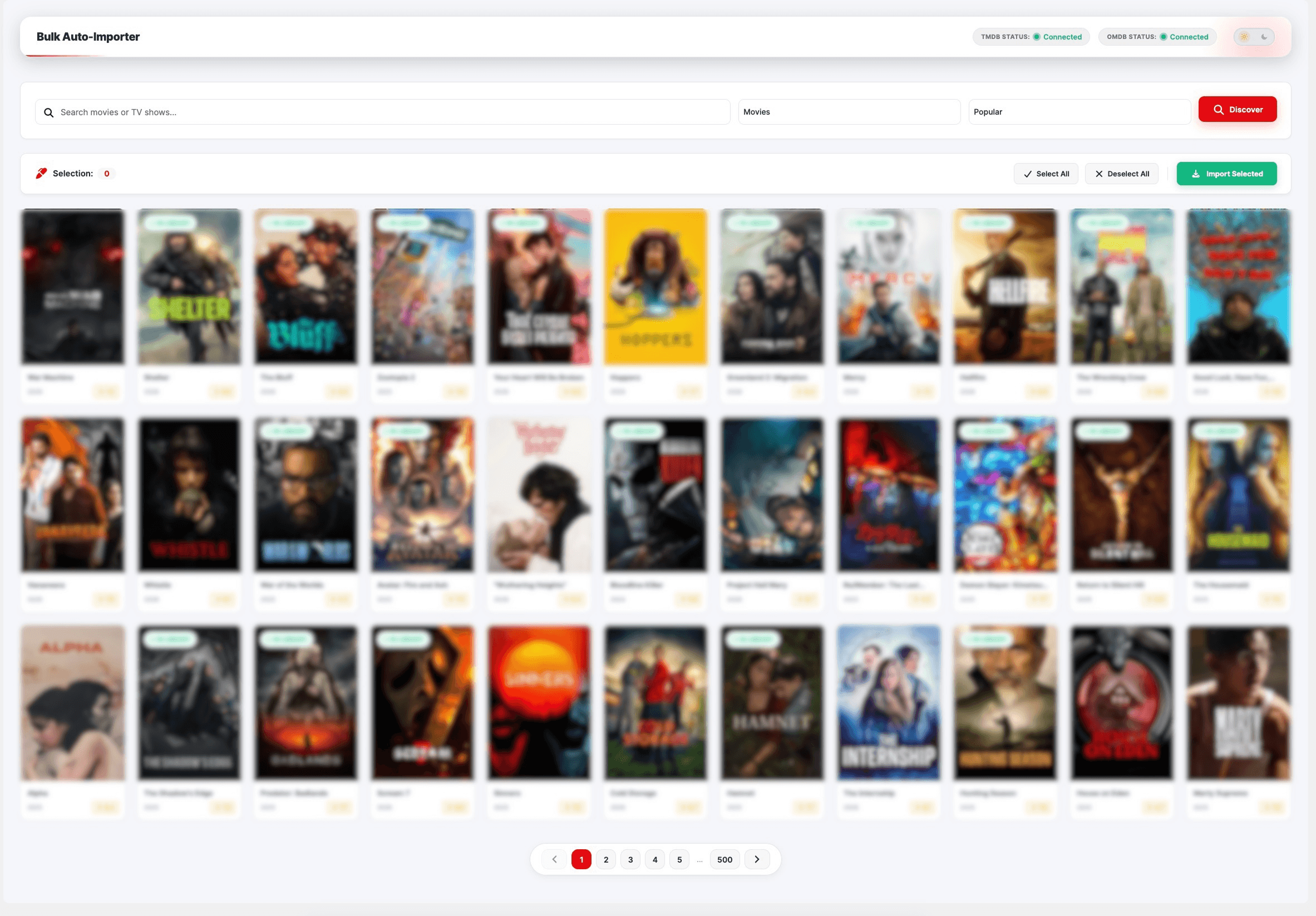
- Bulk TMDb import with automated scheduled cron runs.
- External player source management with drag-and-drop server reordering.
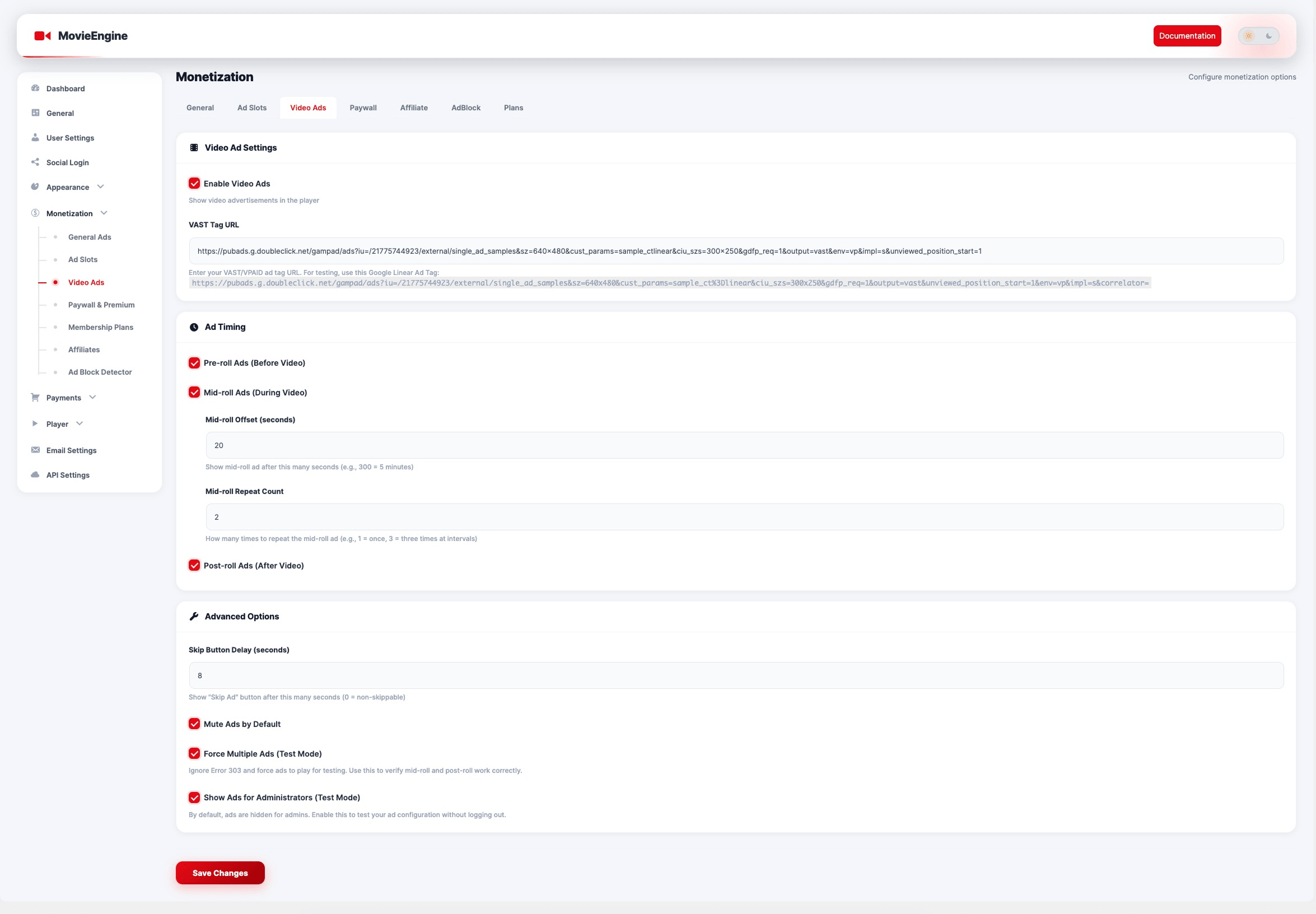
- Native Video Ads manager (VAST/HTML5 pre-roll, mid-roll, post-roll).
- Anti-AdBlock modal detection.
- User affiliate and referral partner tools with payout management.
See the documentation and Pro details for more information.
What Can You Build?
- Movie and TV series catalog.
- Netflix-style movie browsing experience.
- Ad-supported video catalog (AVOD).
- IPTV or live-stream directory using compatible stream sources.
- Subscription (SVOD) or pay-per-view (TVOD) platform with Movie Engine Pro.
- Affiliate streaming directory linking visitors to external services.
- Private or ISP-restricted streaming portal with Movie Engine Pro.
Block Editor (Gutenberg)
Movie Engine provides custom blocks in the WordPress block editor. Open the block inserter (+) and search for “Movie Engine” or browse the Movie Engine category.
- Movie Engine Library — catalog with layouts, filters, and pagination.
- Movie Engine Grid — movie/TV card grid without the search field.
- Movie Engine Search — catalog with search.
- Movie Engine Search Bar — standalone search field.
- Movie Engine Hero — featured-title section.
- Movie Engine Live Search — AJAX search with dropdown results.
- Movie Engine Person List — cast, crew, and people layouts.
- Movie Engine User Menu — account/login area for the header.
- Movie Engine Taxonomies — genre, year, tag, and other taxonomy layouts.
The corresponding layouts are also available through shortcodes. See the documentation for usage and options.
Content Requests
Let visitors request movies or TV series that are missing from your catalog.
- Add
[movie_engine_request_form]to a page to display the request form. - Optionally show the form on empty search results or in live search.
- Review, search, filter, and update requests under Movie Engine Requests.
- Send email notifications for new requests and status changes.
- With Movie Engine Pro, use the request title to start the Bulk Import workflow.
SEO and Performance
- Structured data for supported movie, TV series, season, episode, and person pages.
- Configure title and description templates under Settings SEO.
- Schema and Open Graph output can be controlled through Movie Engine settings.
- When Rank Math, Yoast SEO, or All in One SEO is active, Movie Engine works to avoid duplicate title, description, and schema output.
- Modular assets and caching of selected TMDb/catalog data help reduce unnecessary work.
Compatibility
Movie Engine works with many modern WordPress themes and page builders. For a layout designed specifically for Movie Engine, try the official free Hello Movie Engine theme.
Documentation and Support
- Documentation and complete feature guide
- Live demo
- Movie Engine website
- Movie Engine Pro and pricing
3rd Party or External Services
This plugin relies on third-party services under certain circumstances. These services are integral to the functionality and features offered by the plugin. We acknowledge the importance of transparency regarding the use of such services.
Service Details
The Movie Database (TMDb) API & Media CDN
* Service Purpose: The plugin connects to TMDb API services to fetch movie and TV series metadata (titles, plot overviews, release dates, cast and crew information, genres, trailers, and ratings) and displays poster and backdrop images from TMDb CDN (image.tmdb.org) during content importing and browsing.
* Service Link: The Movie Database API
* Service Terms of Use: TMDb Terms of Use
* Service Privacy Policy: TMDb Privacy Policy
OMDb API Services
* Service Purpose: The plugin optionally connects to OMDb API services to retrieve additional movie metadata and IMDb ratings when an OMDb API key is configured in settings.
* Service Link: OMDb API
* Service Terms of Use: OMDb Terms of Service
* Service Privacy Policy: OMDb Legal & Privacy
YouTube Video Player Embed
* Service Purpose: The plugin embeds YouTube videos for multimedia content, movie trailers, and video streams.
* Service Link: YouTube Developer
* Service Terms of Use: YouTube Terms of Service
* Service Privacy Policy: YouTube Privacy Policy
Vimeo Video Player Embed
* Service Purpose: The plugin embeds Vimeo videos for multimedia content, movie playback, and episode streaming.
* Service Link: Vimeo Developer
* Service Terms of Use: Vimeo Terms of Service
* Service Privacy Policy: Vimeo Privacy Policy
Google Fonts
* Service Purpose: The plugin loads Google Fonts web typography to style player controls, typography, and frontend movie layouts.
* Service Link: Google Fonts
* Service Terms of Use: Google Terms of Service
* Service Privacy Policy: Google Privacy Policy
Google Interactive Media Ads (IMA) SDK
* Service Purpose: The plugin optionally loads the Google IMA SDK (imasdk.googleapis.com) to render VAST, VPAID, and VMAP video advertisements inside player containers when video monetization is configured.
* Service Link: Google IMA Developer
* Service Terms of Use: Google IMA Terms of Service
* Service Privacy Policy: Google Privacy Policy
Telegram Bot API Services
* Service Purpose: The plugin connects to the Telegram Bot API to automatically broadcast newly published movies and TV series to administrator-configured Telegram channels or groups when Telegram Automation is enabled.
* Service Link: Telegram Bot API
* Service Terms of Use: Telegram Terms of Service
* Service Privacy Policy: Telegram Privacy Policy
Freemius SDK Services
* Service Purpose: The plugin uses the Freemius SDK for secure opt-in usage diagnostics, plugin updates, and account connectivity.
* Service Link: Freemius
* Service Terms of Use: Freemius Terms of Service
* Service Privacy Policy: Freemius Privacy Policy
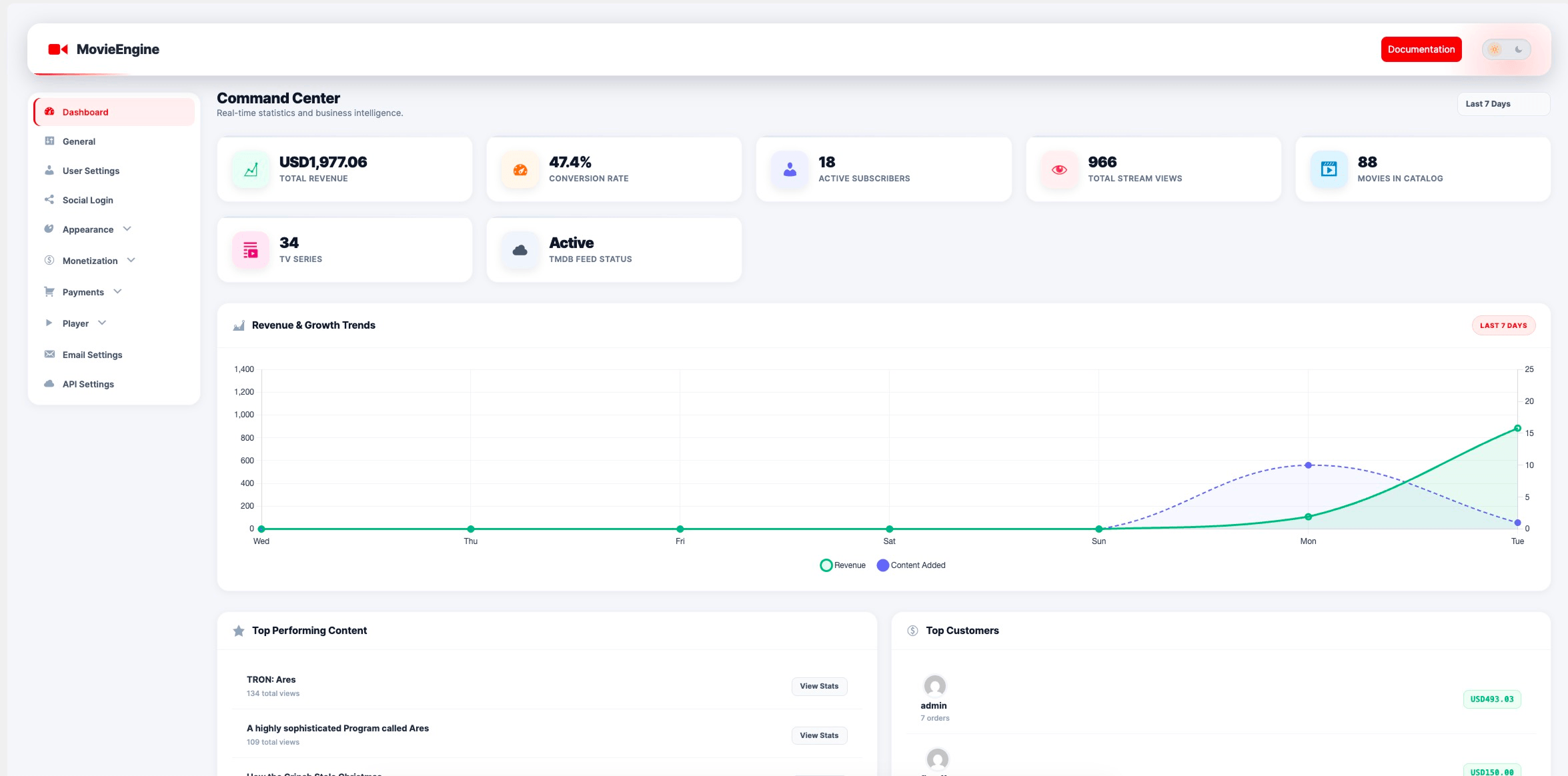
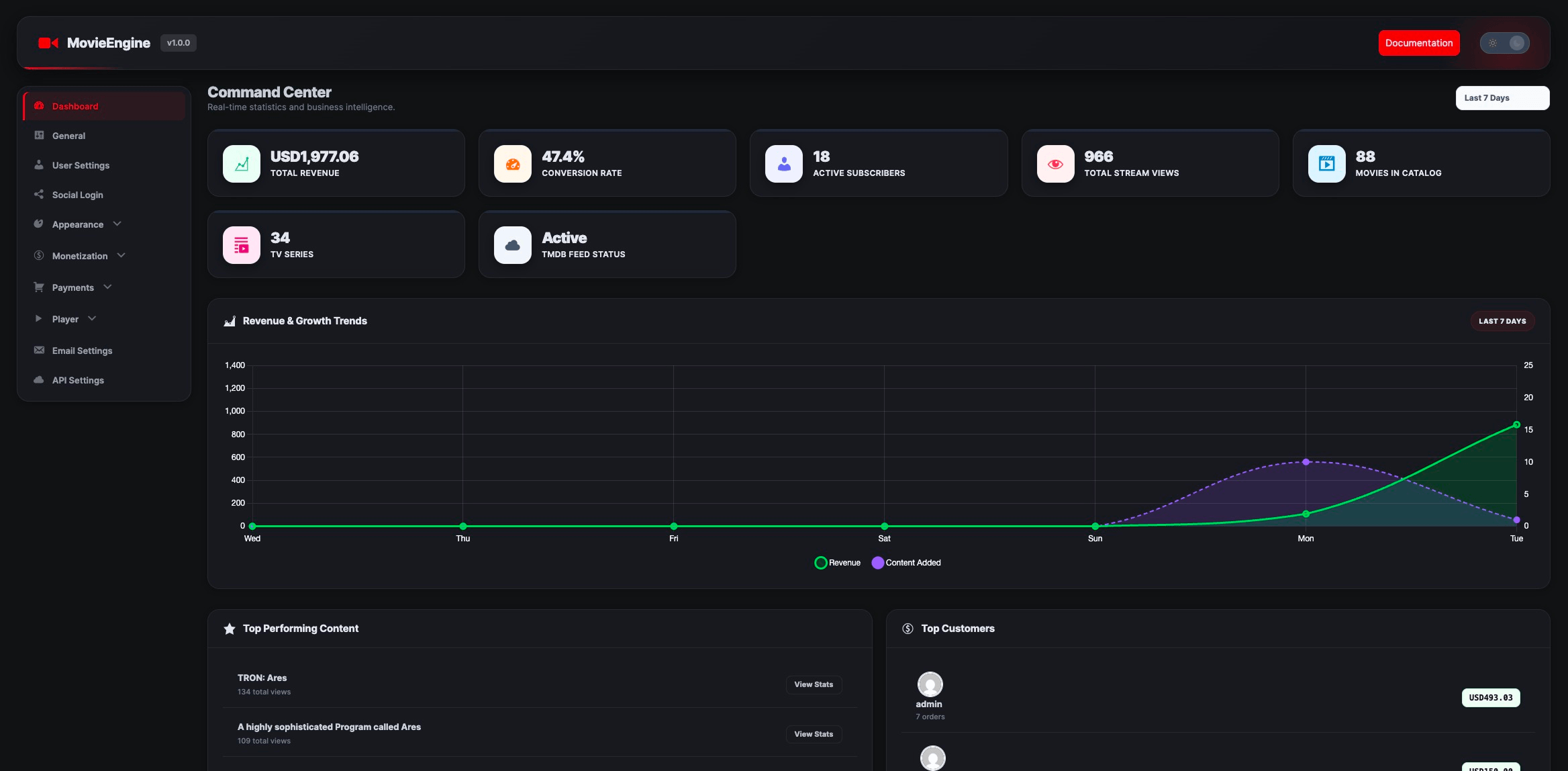
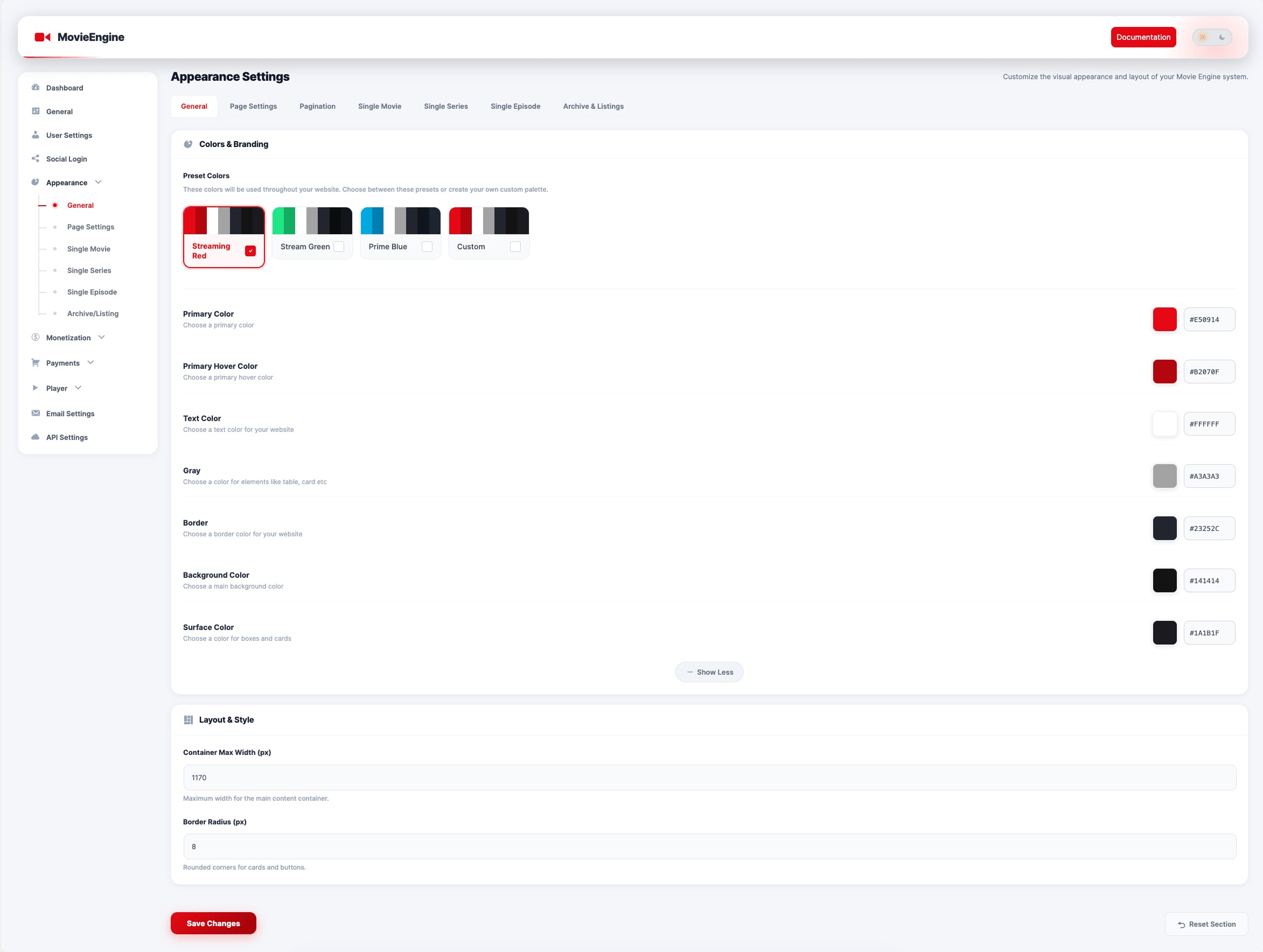
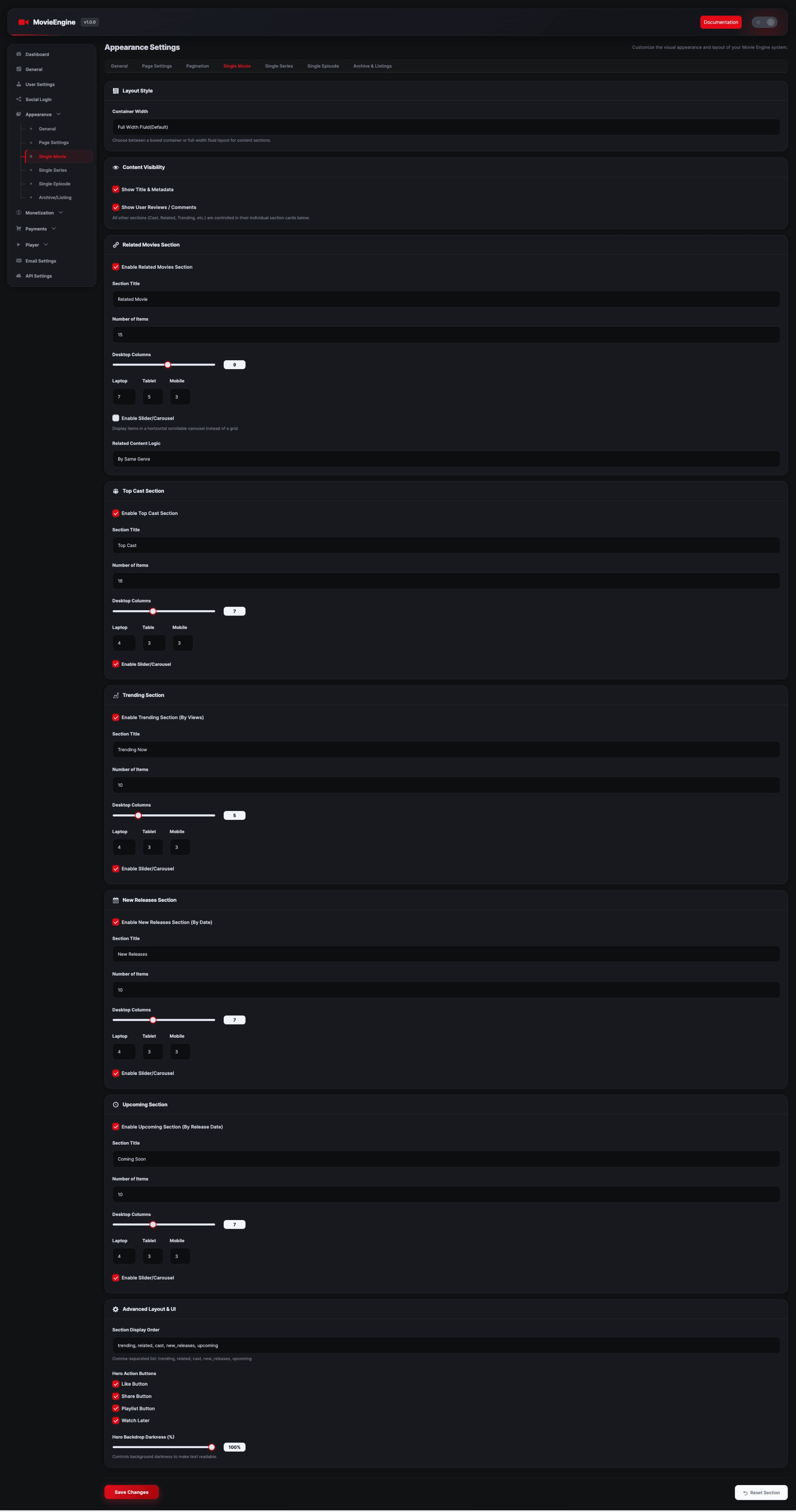
Screenshots
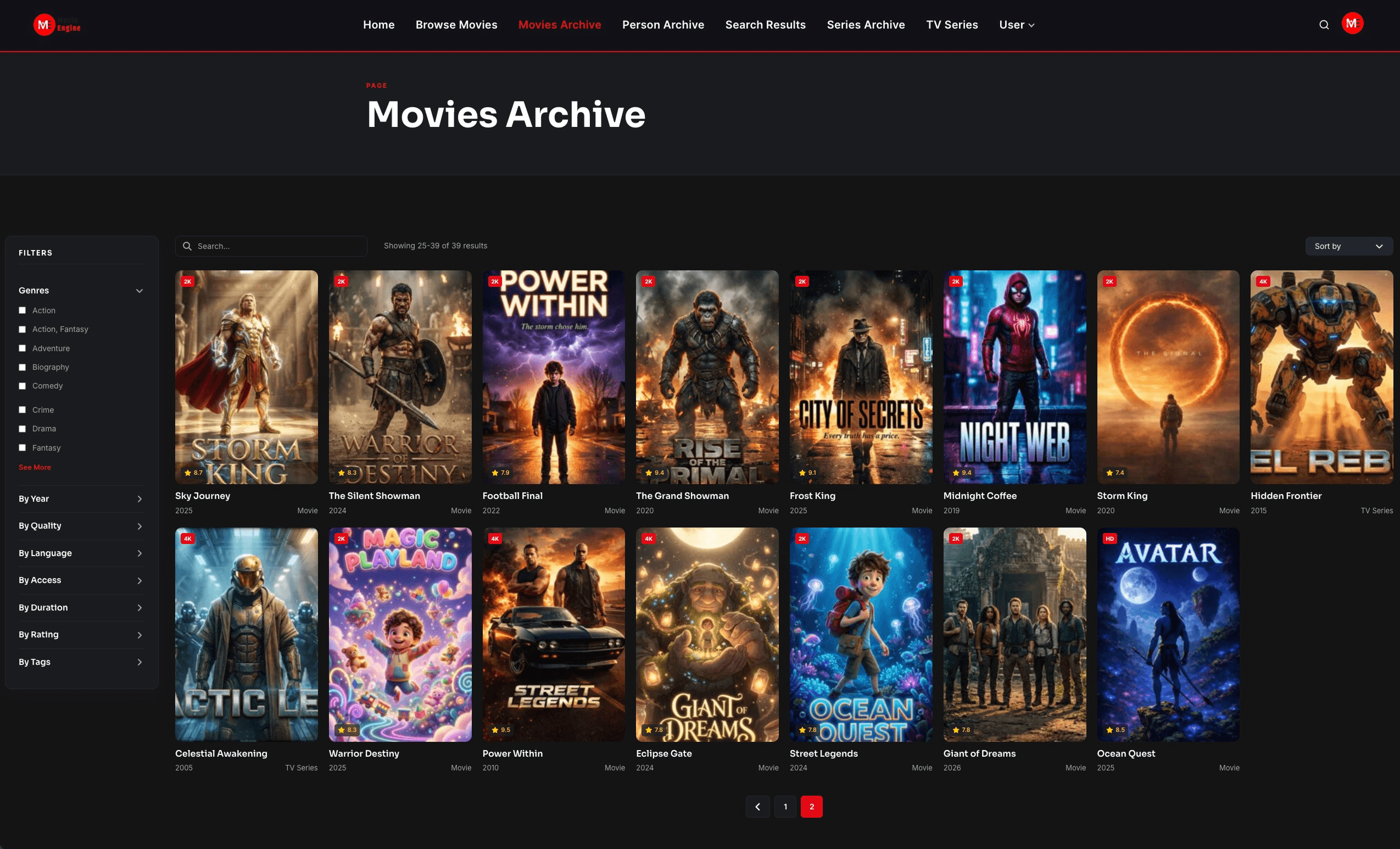
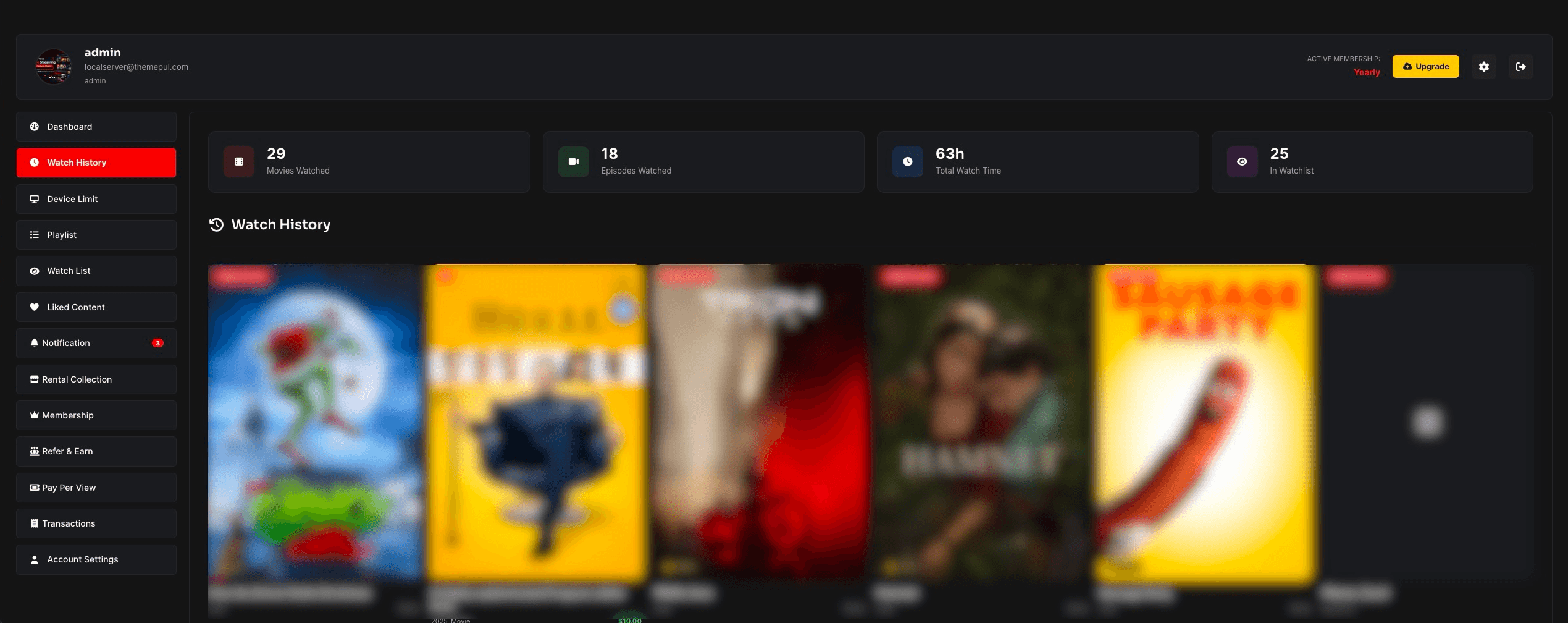
Installation
- Upload the
cine-movie-enginefolder to/wp-content/plugins/, or install Movie Engine from the WordPress Plugins screen if available there. - Activate Movie Engine from Plugins.
- Go to Settings Permalinks and click Save Changes once.
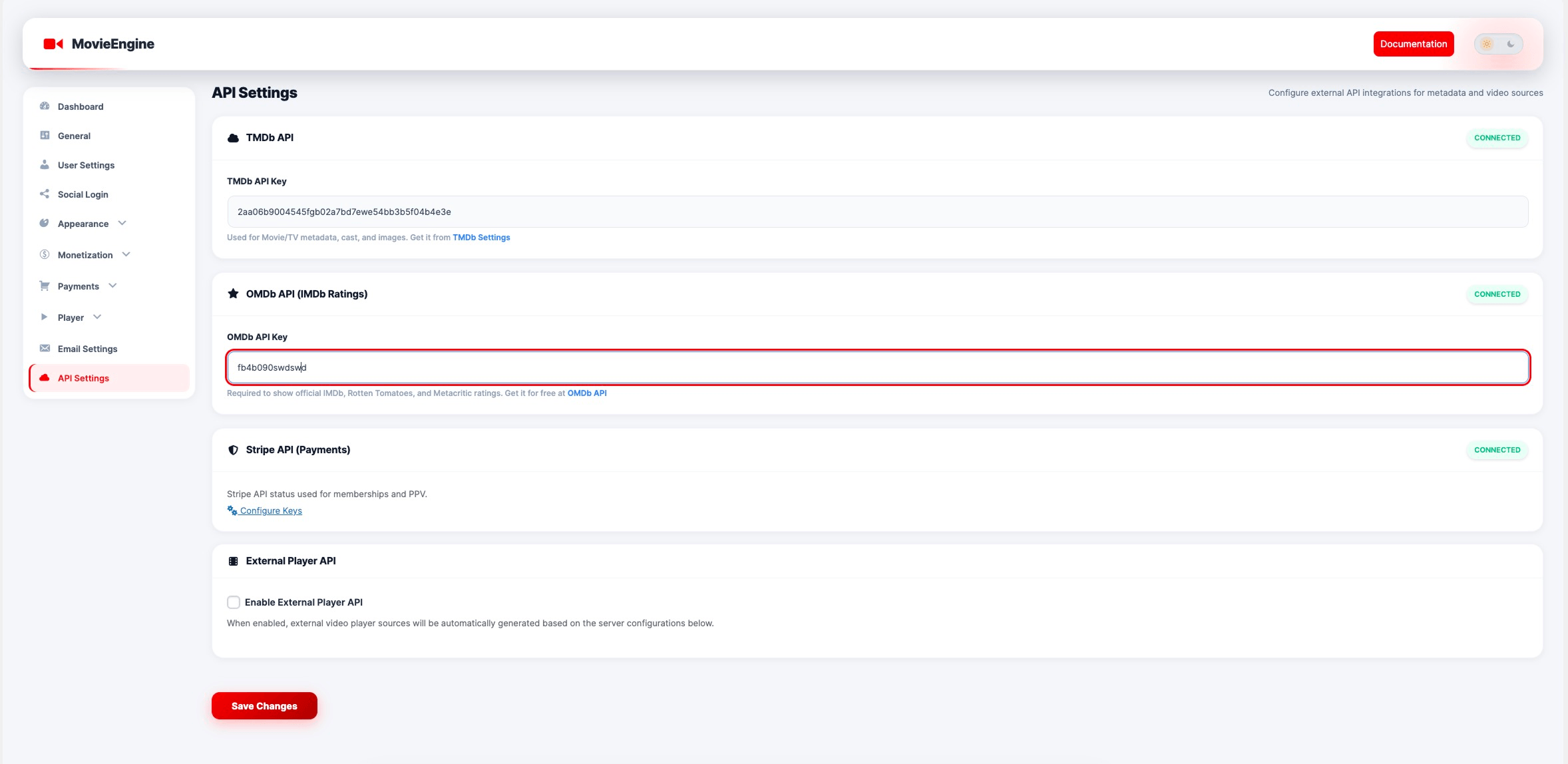
- Add your TMDb API key under Movie Engine API Settings.
- Configure your content, video sources, and display layouts.
- Use the Gutenberg blocks or shortcodes to display your catalog.
For detailed setup instructions, visit the documentation.
FAQ
-
Can I build a movie or TV website with WordPress?
-
Yes. Movie Engine provides movie, TV series, season, episode, and person management, plus layouts for displaying your catalog.
-
Does Movie Engine import metadata from TMDb?
-
Yes. You can import movie and TV series metadata from TMDb. A TMDb API key is required.
-
Does it support HLS streaming in the free version?
-
Yes. The free version includes HLS (.m3u8) adaptive streaming and direct MP4 playback powered by HLS.js. Advanced MPEG-DASH (.mpd) streaming and alternative player engines (Shaka Player, ArtPlayer) are available in Movie Engine Pro.
-
Can I add multiple video servers?
-
Yes. Movie Engine supports multiple video sources. Advanced source management and drag-and-drop server reordering are available in Movie Engine Pro.
-
Can I create a subscription or pay-per-view website?
-
Yes. Subscription (SVOD) and pay-per-view (TVOD) monetization features are available in Movie Engine Pro.
-
Can I restrict access to specific ISP or broadband networks?
-
Yes. Movie Engine Pro includes the Broadband & ISP Voucher Network Paywall, which allows restricting streaming to specific broadband IP subnets or requiring unique voucher codes with guest access support.
-
Can I monetize video players with ad smartlinks (Fake Player)?
-
Yes. Movie Engine Pro includes the Fake Player system, which adds an authentic video player overlay with an HD/4K badge and play button that triggers high-CTR ad network smartlinks before starting the real video.
-
Does Movie Engine support Telegram?
-
Yes. Connect a Telegram bot and channel to publish new movies and TV series and send bulk-import summaries.
-
Does Movie Engine support Gutenberg?
-
Yes. Movie Engine includes blocks for the library, grid, search, search bar, hero, live search, person list, user menu, and taxonomies.
-
Can I use shortcodes instead of blocks?
-
Yes. Movie Engine provides shortcode alternatives for supported layouts. For example:
[movie_engine_library],[movie_engine_grid],[movie_engine_search],[movie_engine_hero],[movie_engine_live_search], and[movie_engine_taxonomies]. -
How can visitors request missing content?
-
Enable Content Requests under Movie Engine Requests Settings and add
[movie_engine_request_form]to a page. You can also enable the form in supported search locations. -
Is there an official theme?
-
Yes. Hello Movie Engine is the official free companion theme designed for Movie Engine websites.
Reviews


Contributors & Developers
“Movie Engine – OTT Streaming Platform for Movies & TV Series” is open source software. The following people have contributed to this plugin.
Contributors

Translate “Movie Engine – OTT Streaming Platform for Movies & TV Series” into your language.
Interested in development?
Browse the code, check out the SVN repository, or subscribe to the development log by RSS.
Changelog
1.0.9
- Security: Direct video stream hits in the browser address bar or hotlinks from external websites are blocked with strict referer and origin verification. External browser hits automatically redirect to the host single movie or episode page.
- Security: Subnet IP binding and signed streaming URLs protect video assets against unauthorized sharing and playback extraction.
- New: Studios & production companies shortcode ([movie_engine_studios]) now supports pagination («true»/»false»), search filter input («true»/»false»), and slug-based or ID-based include/exclude filtering.
- New: Studios shortcode supports limit, offset, and orderby (name, count, id, rand) parameters.
- Fix: Mobile header site logo and branding title click blocking resolved with proper pointer-events and stacking context.
- Fix: Mobile header search toggle icon visibility restored across responsive breakpoints.
- Fix: Mobile header search input collision fixed with clean full-width header takeover, smoothly hiding the logo and menu toggle while search is open.
- Fix: Prevent multiple simultaneous video playback when toggling servers or browser tabs.
- Fix: PSR-4 metabox autoloading and player stream 403 authorization handling.
1.0.8
- New: Settings SEO. Set the title and description for movies, TV series, seasons, episodes, and people. Use {title}, {year}, {genre}, {overview}, and {site_name}. Empty values are left out.
- New: Schema is printed for movies, TV series, seasons, episodes, and people. A page with no poster leaves out the image. A page with no overview leaves out the description. TMDb scores are not shown as reviews collected on your site.
- New: Settings General still has the schema and Open Graph switches. Those switches now control what is printed on the page.
- New: When Rank Math, Yoast SEO, or All in One SEO is active, that plugin prints the title, description, and social tags. Movie Engine fills an empty title or description, and adds movie or TV schema only when that plugin does not already have it. If more than one of those plugins is active, Movie Engine does not add another set of tags.
- New: A new import saves the title and description from the templates. Titles already on the site use the templates the next time someone opens the page. You do not need to import them again.
- New: Settings Automation Telegram. Each site uses its own bot token and channel. The saved token is not shown again.
- New: Publishing a movie or TV series sends one message with the poster, title, year, rating, genres, description, and a view button. Episodes imported with that new series do not send their own message for 24 hours. An episode added after that sends only when New episode message is on.
- New: A bulk import sends one list after the run. Choose how many titles to show, from 1 to 10. The rest are a Read more button. A single title still sends its own message.
- New: A fallback image from the Media Library is used when a message has no poster, including every bulk list.
- New: Weekly and monthly top views and top rated lists stay off until you enable them. Each list sends at most 10 titles.
- Fix: Disable Right Click no longer opens the ads link on its own. A phone long-press only hides the menu. The ads link opens on a mouse right-click or an Inspect shortcut (F12, Ctrl+Shift+I).
- Fix: Single Episode page mobile layout and responsive design. Video player stays at the top with single-row scrollable server switcher below it, trending section positioning is fixed, and episode list cards show clean episode number, title, runtime badge, and play button.
- New: Monetization Fake Player tab and player overlay hook (
movie_engine_player_container_overlay) with responsive screen wrapper styles. - New: Lazy Load Player / Click-to-Play option (Settings Player General). Defers video player and external iframe loading until the visitor clicks to play, rendering a sleek backdrop and play button. Greatly improves initial page load speed for pages with heavy external embed sources.
- Fix: WordPress Media Uploader (
wp_enqueue_media()) availability across all MovieEngine settings admin pages. - Fix: Monetization settings sanitizer properly handles and persists Fake Player checkbox options.
1.0.7
- New: Library, Grid, and Search can show a TMDb list. Add
tmdb_type="day"for today’s trending,weekfor this week,now_playingfor movies in cinemas or series on the air,popular,top_rated, orupcoming. Example:[movie_engine_library post_type="movie_engine_movie" tmdb_type="day" limit="16"]. Only movies and series already imported on the site appear, in the same order as TMDb. The list is saved for one hour, so the page does not call TMDb on every visit. - New: In the block editor, select the Library, Grid, or Search block. Under Query, choose TMDb list. Leave it on None to keep sorting the titles already on your site.
- Fix: Trending, Top rated, New releases, and Upcoming still sort your own library. Choosing one of those no longer falls back to the newest posts.
- Fix: The TV Series list keeps the real episode total when episodes are added after the season. Later imports update that saved number without counting the whole catalog on every list load.
- New: Content Requests — visitors can ask for a movie or TV series with
[movie_engine_request_form]. The form can also show on empty search results and in live search when enabled under Movie Engine Requests Settings. - New: Movie Engine Requests admin — filter by status, search, bulk delete, and mark requests pending, approved, available, or rejected. HTML emails notify admins of new requests and requesters when status changes (optional reply message).
- New: After a title is imported, a matching request can link automatically and move to Available. With Movie Engine Pro, Find content opens Bulk Import with the request prefilled.
- Fix: Form fields and live search use a single focus ring (no stacked outline + shadow).
- New: Library, Grid, and Search can list titles from Available content requests. Add
content_requests="available". Example:[movie_engine_library content_requests="available" limit="20" pagination="true"]. Only linked (Already added) movies and series appear. Limit and pagination work like a normal library. In the block editor, under Query, choose Content requests Available (linked).
1.0.6
- Deleting a TV series also removes its seasons and episodes. Deleting a season removes that season’s episodes. Deleting one episode removes only that episode. Restoring from Trash restores the linked items too.
- Fix: Watch Page on small screens keeps server buttons in two columns inside the page. Long server names stay on one line. Slider arrows no longer stick out and create a sideways scroll.
- Fix: Episode page on small screens stacks the series title and season label, keeps the date and runtime on one line, and keeps Add to Watchlist on one line.
- Fix: A slider with no width no longer freezes the page while building dots.
- Fix: The TV Series admin list saves season and episode totals on each series, so opening the list does not count every episode again.
- Fix: A series page keeps an ordered list of season and episode IDs. Later views load only the current episode page, not metadata for the whole catalog.
- Fix: Related titles are chosen from a short recent set. Rating and views lists reuse a saved ID list for 15 minutes.
1.0.5
- New: Disable Right Click ads link (Player Security). When the option is on, a link field appears.
- Right-click, Inspect shortcuts, and an already-open Inspect window send the visitor to that link. If the link is empty, the page stays covered until Inspect is closed.
- Right-click is blocked on the page and on ad slots (header, sidebar, footer, popup, corner, and player ads).
- Fix: External Player URL templates keep placeholders such as
{tmdb_id}when settings are saved.
1.0.4
- New: Import Images setting (Settings API) — choose Load from TMDb (remote URLs) or Download to Media Library for movie, TV series, season, and episode posters/stills.
- New: Poster Image URL meta and Media tab field — Featured Image overrides remote URL when set (same pattern as person photos).
- Improved: Frontend poster resolution uses Featured Image TMDb poster URL episode still fallback across cards, heroes, player, SEO, widgets, and search.
1.0.3
- New: Person Profile Image URL (TMDb) — import stores a remote URL instead of downloading every actor photo into the Media Library.
- New: Person photo priority — Featured Image first, then TMDb profile URL, then placeholder (single, cards, cast, admin list).
- Fix: Watch Page sidebar no longer prints raw
[movie_engine_ad_sidebar]when ads are disabled. - Fix: Admin Persons “Photo” column shows TMDb URL when no Featured Image is set.
1.0.2
- Added Popup ads control with delay, dismiss memory, and optional re-show after close.
- Added Sticky bottom-right ads with minimize strip and optional full close.
- Added Sidebar ad slot (300×250) in Monetization Ad Slots for Watch Page and
[movie_engine_ad_sidebar]. - Added Single Movie layout style: Classic (
/player/) or Watch Page (inline player). - Added TMDb Discover helpers for language, country, and genre filters.
- Fixed Container Max Width setting (removed hardcoded 1290px override).
- Fixed Watch Page Player Top ad so only one ad shows above the player.
- Fixed empty or placeholder-only ad codes (e.g.
#) so they are not rendered.
1.0.1
- Movie Engine Library — full library with filters, layouts, and pagination options.
- Movie Engine Grid — movie/series grid without the search UI.
- Movie Engine Search — library with search enabled.
- Movie Engine Search Bar — standalone search bar.
- Movie Engine Live Search — live search experience.
- Movie Engine Hero — hero section for featured content.
- Movie Engine Person List — cast/crew and person archives.
- Movie Engine User Menu — user account menu for the header.
- Movie Engine Taxonomies — genres, years, tags, and other term grids or sliders.
- Grid & spacing gap now applies to the card grid (library, person list, taxonomies shortcodes).
- Update The Pot File
1.0.0
- Initial release
- TMDb Smart Import integration
- Advanced OTT Player (HLS & DASH)
- Season & Episode management
- User dashboard & engagement system
- JSON-LD Schema integration