

Description
Banner Image is a great plugin to implement custom banner Image for posts, pages, and custom post types (CPT). You can set images easily and later can manage CSS from your theme.
it’s totally free.
For more features Please contact us at Logicrays
If you like this plugin Please rate us 🙂
Plugin Features
- All modern browser support
- Works with any type of theme
- Easy to customize for developers
- Easy to configure
- Supports Custom Post Types (CPT) via an admin settings page
Shortcode
[BANNER-IMG]
Screenshots


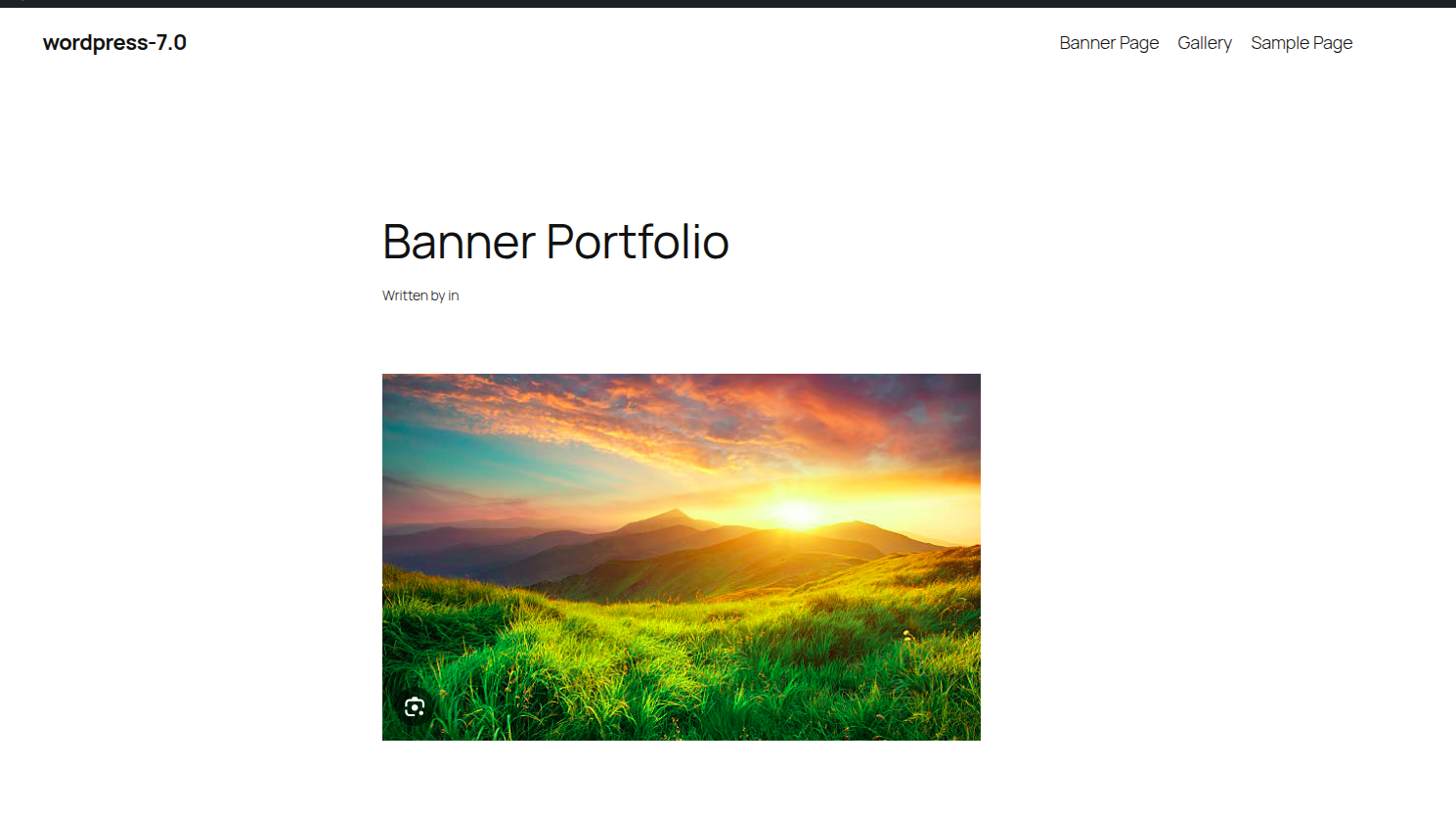
Installation
- Upload Zip file banner-image to the
/wp-content/plugins/directory - Activate the plugin through the ‚Plugins‘ menu in WordPress
FAQ
-
Go to the WordPress editor for any post or page. Look for the «Banner Image» meta box in the sidebar. Click «Choose or Upload an Image» to select or upload your image from the Media Library.
-
Go to the «Banner Image» settings menu in your WordPress admin dashboard, select the Custom Post Types where you want to show the metabox, and click «Save Settings».
-
You can place the
[BANNER-IMG]shortcode inside the content editor of the post or page. Alternatively, to display it directly in your theme templates (like header.php), use the PHP code:<?php echo do_shortcode('[BANNER-IMG]'); ?>. -
Yes. The banner image is post/page-specific. The plugin retrieves the image assigned specifically to the post or page currently being viewed.
-
The plugin wraps the image in a
divwith the classbanner-image. You can customize its look by adding CSS to your theme’s stylesheet. For example:
.banner-image img { width: 100%; height: auto; border-radius: 8px; } -
If no image is uploaded or chosen for a post/page, the shortcode will output nothing, ensuring your page layout remains clean without displaying broken images.

Contributors & Developers
“Banner Image for post and page” is open source software. The following people have contributed to this plugin.
Contributors

Translate “Banner Image for post and page” into your language.
Interested in development?
Browse the code, check out the SVN repository, or subscribe to the development log by RSS.
Changelog
1.3
- Added support for Custom Post Types (CPT).
- Added a settings menu page to configure metabox visibility across post types.
1.2
- WordPress.org compliance and security improvements.
- Updated text domain, readme headers, and asset versioning.
1.1
- Added Remove Link.